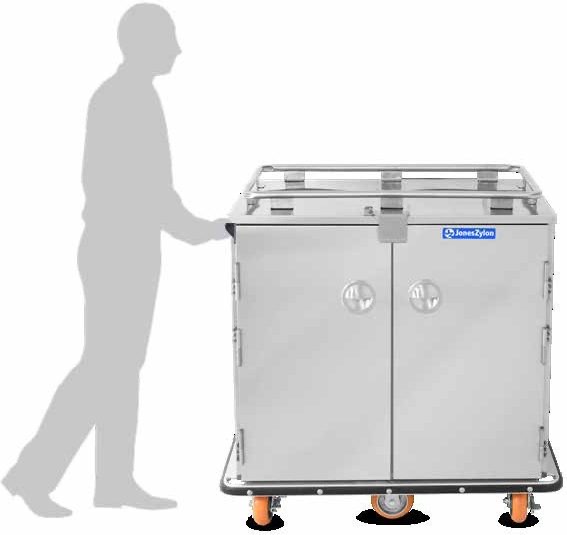
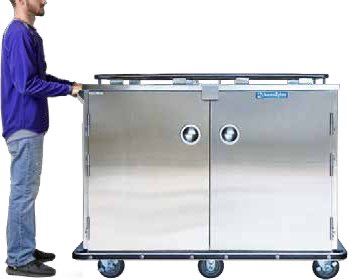
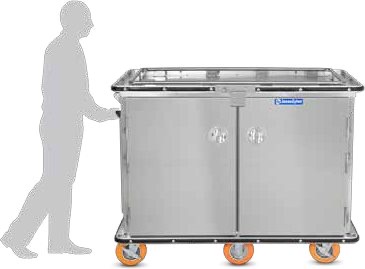
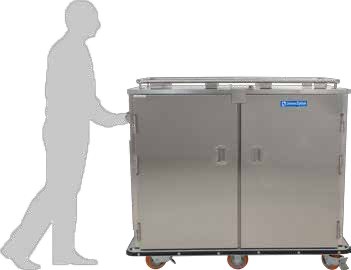
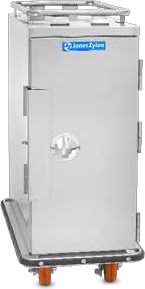
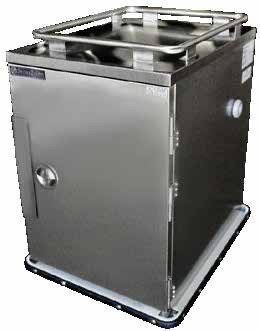
Ambient and Insulated Meal Delivery Carts
Ambient carts carry meals without active heating or refrigeration. Match the insulated cabinet, tray arrangement and route to the facility food handling plan.
Quick answer
An ambient meal delivery cart carries meals without active heating or refrigeration. Match the cart and tray arrangement to the route and facility food handling plan; review insulated food trays on their separate product page.
Which ambient meal delivery cart fits the route?
An ambient cart provides an unpowered transport compartment. The JZA sheets linked here describe insulated cabinets with no electrical system in the ambient configuration. Staff use the enclosure to organize and carry the load.
Select this family when your food handling plan supports the actual load, route and delivery interval without powered holding in the cart. Evaluate food hold time on the actual route. For reheating chilled food, request separate retherm equipment documentation. Consider the delay between the first tray loaded and the last tray served when evaluating a route.
Ambient cart sizes and documented tray capacities
The table transcribes selected fields from each named sheet. Counts refer to the listed tray type.
For an ambient-cart quote, match the model and loading arrangement to the primary Equipment PDF in each row. The ServeSmart cart table lists the cart sizes in the ServeSmart Buying Guide.
| Model / specification | Printed specification | Source |
|---|---|---|
| JZA-54 | Ambient. 47.80 × 21.50 × 38.25 inches (H × W × D). SmartTray 54; SmartTray XD 39. Magnetic latch; security-type fasteners. | Spec PDF |
| JZA-6UBT | Ambient. 47.30 × 30.75 × 38.25 inches (H × W × D). SmartTray 90; SmartTray XD 65. The panel can be replaced with a removable heater. Magnetic closure; security-type fasteners. | Spec PDF |
| JZA-136 | Ambient. 47.50 × 54.88 × 31.00 inches (H × W × D). SmartTray 136; SmartTray XD 96. Security-type fasteners. | Spec PDF |
| JZA-168 | Ambient. 47.50 × 62.90 × 31.00 inches (H × W × D). SmartTray 162; SmartTray XD 130. Drop-down padlocking door latch. | Spec PDF Mission Ready PDF |
| JZA-168XL | Ambient. 47.50 × 62.90 × 32.50 inches (H × W × D). SmartTray 170; SmartTray XD 130. Drop-down padlocking door latch. | Spec PDF |
| JZA-192XL | Ambient. 51.00 × 62.90 × 32.50 inches (H × W × D). SmartTray 190; SmartTray XD 150. Drop-down padlocking door latch. | Spec PDF |
| JZA-204 | Ambient. 53.75 × 62.90 × 32.50 inches (H × W × D). SmartTray 200; SmartTray XD 150. Drop-down padlocking door latch. | Spec PDF |
When does an unpowered meal cart fit the route?
Map the route from the trayline to each housing unit. Include the kitchen queue, elevator, sally port, cart search and receiving delay. Identify whether meals stay in the cart during service or are transferred immediately. Then document the loading and food-check procedure that the facility will use.
Describe the food condition when it enters the cart and the condition required at service. Include time spent waiting at locked doors, even on a short route. If the route requires active heating or refrigeration, review the corresponding powered family and the available connection points.
Load counts, return trips and late trays
Build a destination list before loading. Separate regular meals, modified diets, beverages and late trays. Count the actual containers used for each meal. Confirm how many fit with their lids and how staff can retrieve a specific tray without unpacking another destination's load.
Calculate dispatch loads by dividing the containers required by the approved cart load and rounding up. Count reloads and returns as separate trips. A cart that waits at a housing unit cannot also serve the next departure until it has returned and completed the cleaning cycle. Keep the late-tray route in the plan, including who calls for it and who records receipt.
Move an enclosed cart through a sally port
- Assign each cart a destination and load record before it reaches the transfer queue.
- Load according to the confirmed tray arrangement, keeping the receiving list available to authorized staff.
- Check the closure, wheels and handling route. Identify any required cart inspection and key handoff with custody staff.
- Record departure and the transfer delay. Use the facility procedure if the expected delivery window changes.
- Have receiving staff reconcile meals, special diets and accessories against the dispatch record.
- Return used items to the designated collection point and record any missing components before cleaning.
Can an ambient cart be converted to heated service?
Several JZA sheets describe replacing an insulated panel with an optional heater. That statement applies to the named cabinet and its approved assembly. For example, the JZA-54 sheet describes a rear-mounted insulated panel and an optional heat box. [1]
Request the matching heater code, installation instructions, electrical specification and load confirmation for the proposed conversion. Have JonesZylon match the heater to the cabinet and supply the complete electrical requirements for the converted cart.
Cleaning insulated cabinets after meal delivery
Set a return path that keeps used trays apart from clean loads awaiting dispatch. Include shelves, closures, handles and the loading space in the cleaning plan.
Account for removable pieces under the facility's equipment-control process. Record closure or caster problems before the cart returns to service. If a heater has been fitted, use the cleaning instructions for that powered configuration. Confirm that those instructions cover the installed electrical components.
Specify the ambient configuration on the quote
Send the exact model, tray and lid codes, quantities by destination, doorway measurements and the expected dispatch sequence. Include photographs of the existing cart nameplate if you are replacing equipment.
The JZA-6UBT-RH download carries a JZA-6UBT heading. Earlier catalog codes also need an individual replacement check. For pan service, see bulk food carts; for tray dimensions, use SmartTray specifications.
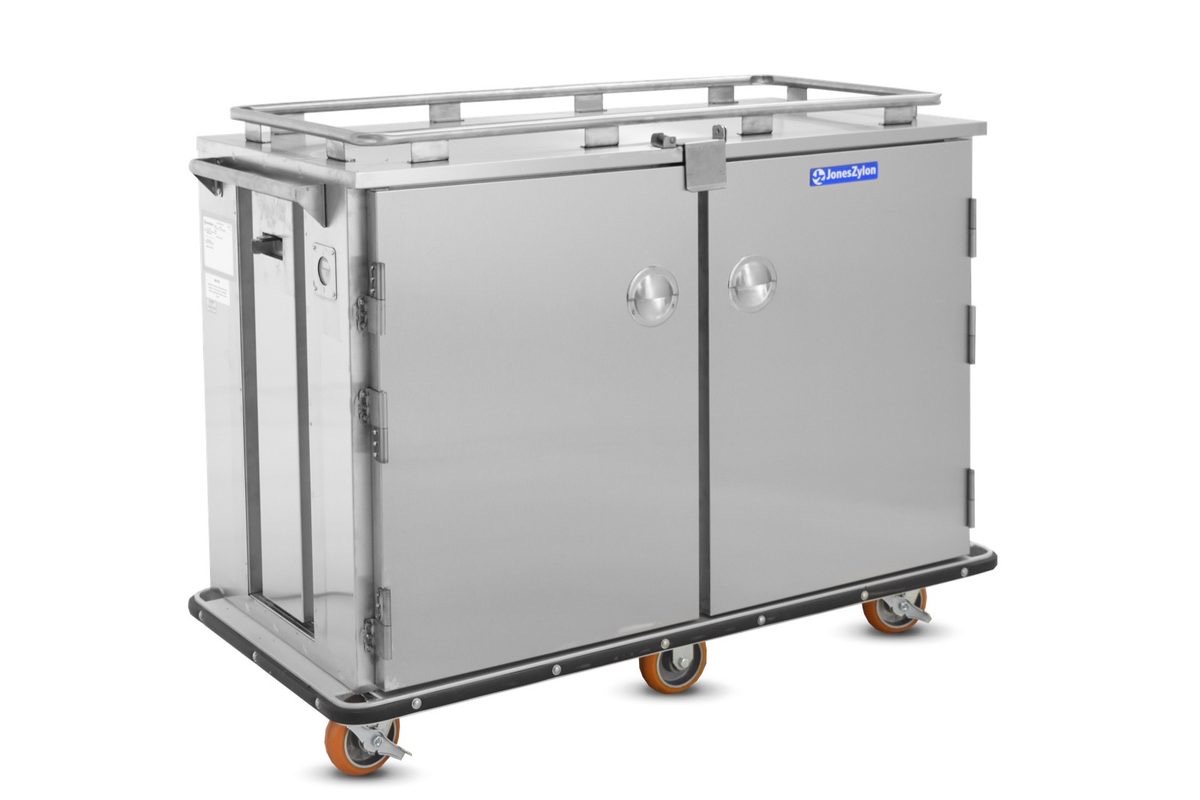
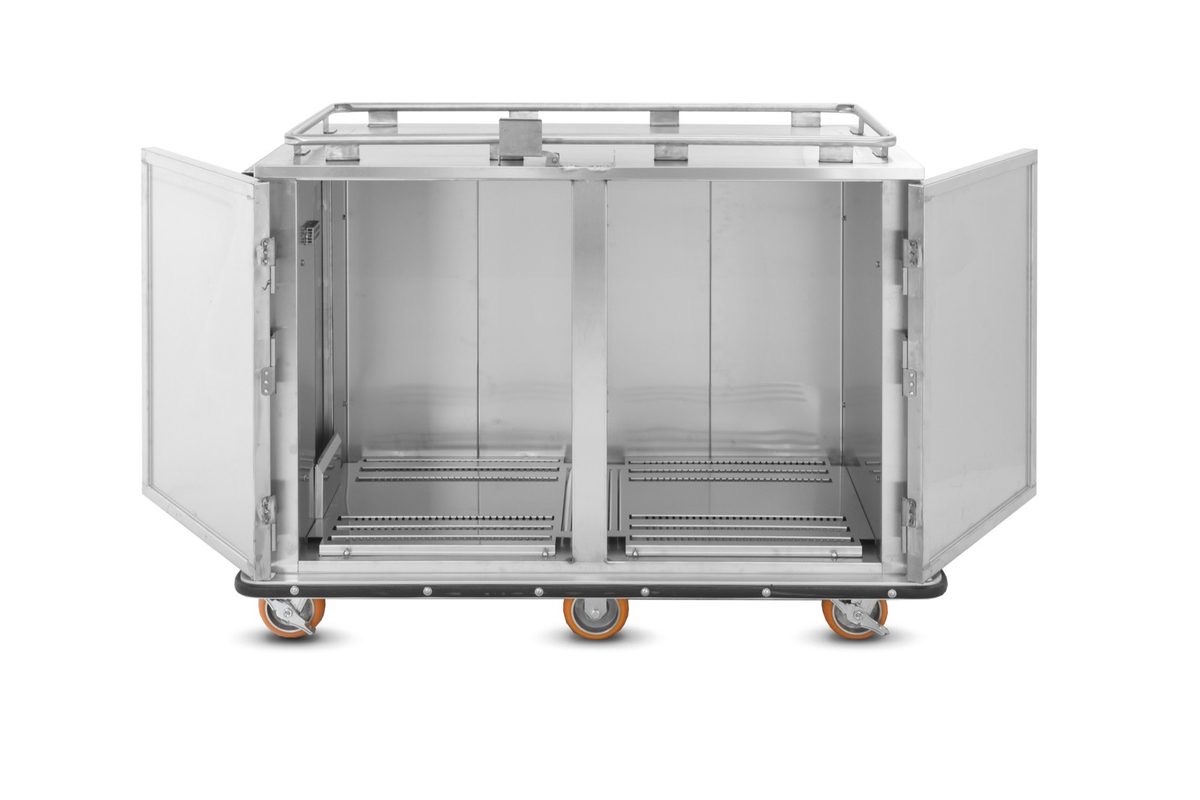
What does an ambient cart look like?
JZA-168 photographed closed and open. The JZA cabinet is insulated and unpowered.
JonesZylon equipment carries a one year parts and labor warranty for defects in material and workmanship, running from the date of original shipment from the plant. All labor is to be performed by a JonesZylon-approved service agency that obtains a Warranty Service Authorization number before the repair. See the full warranty terms.
Frequently asked questions
Does an ambient cart refrigerate the load?
The ambient configurations listed here have no electrical system. They do not provide active refrigeration.
How long will food stay at the required temperature?
The linked sheets do not establish a food-temperature duration for your load and route. Use the facility food handling plan and a documented route evaluation.
Are SmartTray and SmartTray XD capacities interchangeable?
Use the separate count printed for each tray type.
Can cold plates be added to any ambient cart?
This page does not establish universal cold-plate compatibility or a cooling duration.
What should I provide for a replacement cart?
Provide the existing model and serial number, photographs, tray and lid codes, route measurements and the required load. Request confirmation of the current replacement configuration.
Review your cart configuration with JonesZylon
Send the tray or pan model, meal route, load and available power.
800-848-8160 | solutions@joneszylon.com | 305 Center Street, West Lafayette, OH 43845